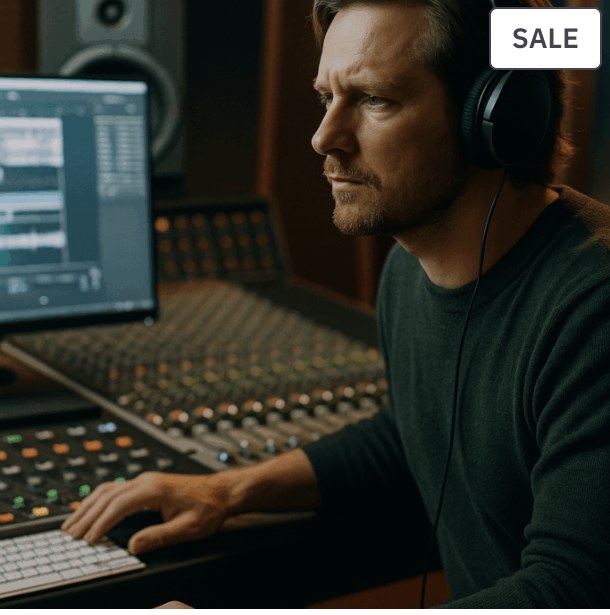
Good vocal production begins before plugins. Set up a quiet recording environment, healthy input level, comfortable monitoring and a take-management workflow that keeps the singer focused on performance.
Set Input Gain With Real Performance Level
Ask the singer to perform the loudest section and leave headroom. Recording too hot creates stress and possible clipping; recording at a healthy modern digital level gives you plenty of quality.
Build a Comfortable Headphone Mix
Latency, vocal level and reverb in the headphones can change performance quality. Use low-latency monitoring and give the singer enough musical context without overwhelming them.
Use Take Folders and Comping
Record complete passes, then use Logic’s take folders to build a comp from the strongest phrases. Avoid stopping after every tiny mistake unless the performance style requires it.
Edit Timing and Pitch After Choosing the Performance
Performance choice comes first. Then make subtle timing and pitch corrections that preserve expression rather than forcing every note into a mechanical grid.
Prepare the Vocal Before Mixing
Clean breaths only when needed, remove noise between phrases, organize doubles and harmonies, and create a clear lead-vocal track before building the mix chain.
Related reading
- How to Mix Vocals: EQ, Compression, Reverb and Delay
- Gain Staging for Music Production and Mixing
- Logic Pro 11 Mixing Guide: From Rough Balance to Release-Ready Mix
Common questions
How loud should vocals be recorded?
Leave comfortable headroom and avoid clipping. Exact peak values are less important than a clean, stable signal.
Should I record with compression?
Monitoring compression can help comfort; recording through hardware compression can be useful if you know the chain. Beginners are often safer recording clean.
Do I need a vocal booth?
No. A quiet, controlled room and thoughtful mic placement can work very well.
Turn the knowledge into a repeatable workflow
TMPS courses connect practical production decisions with structured training, so you can apply the process to your own music instead of collecting isolated tips.
Explore TMPS online music production courses or contact us for guidance on music production and DJ education.