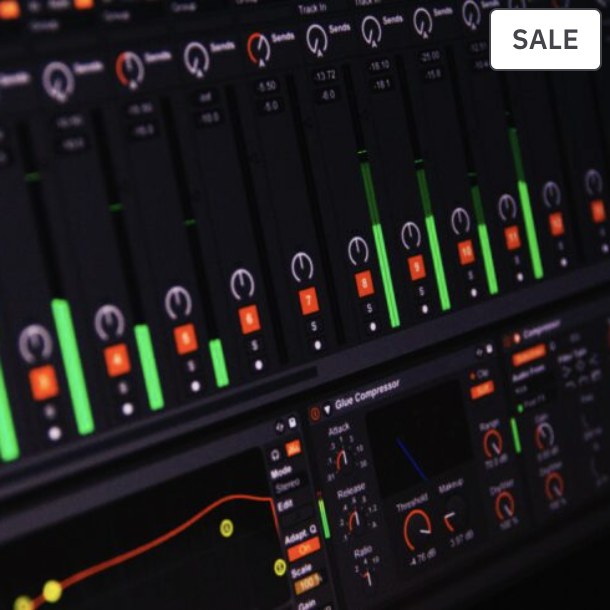
Ableton Live becomes much easier when you understand its two main jobs: generate ideas quickly and turn those ideas into a complete arrangement. Learn the signal flow first, then build a repeatable production template.
Session View vs Arrangement View
Session View is excellent for experimenting with clips and combinations. Arrangement View is where most producers build the final timeline. You do not have to choose one permanently; use Session View to explore and Arrangement View to commit.
Understand Track Types and Signal Flow
Audio tracks hold or record audio. MIDI tracks trigger instruments. Return tracks host shared effects, and the Master receives the final mix. Learn where the signal goes before adding complicated racks.
Set Up Audio, Buffer and File Management
Choose the correct audio device, sample rate and buffer for the task. Use a lower buffer while recording when possible and a higher buffer when mixing heavy sessions. Save projects in organized folders so samples are not lost.
Create a Default Template
A useful template can include named groups, reference-track routing, a few return effects and basic metering. Keep it light enough that every new project still has room to develop its own sound.
Finish in Arrangement View
Use locators, groups, automation and clip editing to build the full track. Once the arrangement is stable, simplify the session, mix deliberately and export a clean pre-master or final master depending on your workflow.
Related reading
- Ableton Live 12 Arrangement View: How to Finish Complete Songs
- Ableton Live 12 Warping Guide: Timing, Tempo and Creative Audio
- Ableton Live 12 Drum Rack Guide: Build Better Drum Grooves
Common questions
Is Ableton Live 12 good for beginners?
Yes. Its interface is consistent and the workflow becomes intuitive once you understand clips, tracks, routing and the difference between Session and Arrangement View.
Do I need Suite?
Not necessarily. Choose the edition based on the instruments, effects and content you need; the core production principles are the same.
Can I mix and master inside Ableton?
Yes. Ableton has the routing, metering and processing tools needed for complete professional workflows.
Turn the knowledge into a repeatable workflow
TMPS courses connect practical production decisions with structured training, so you can apply the process to your own music instead of collecting isolated tips.
Explore TMPS online music production courses or contact us for guidance on music production and DJ education.