
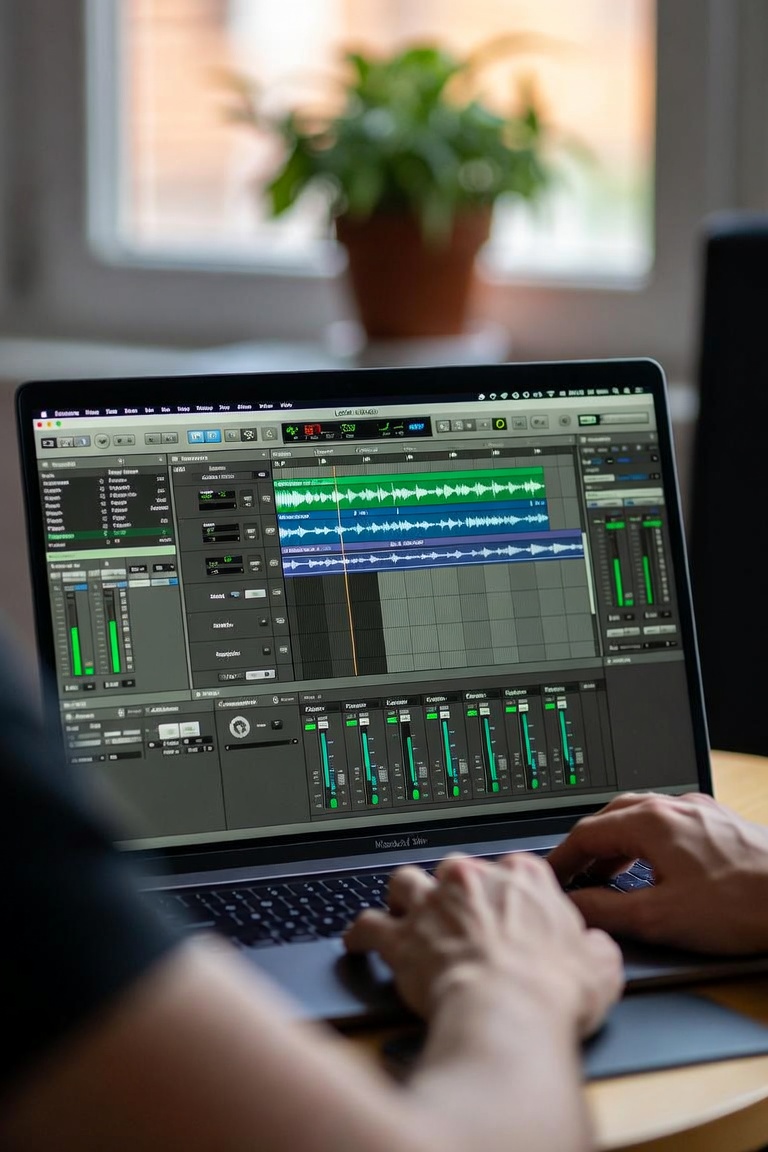
Logic Pro Course: Produce, Record and Mix Professional Music
Logic Pro is one of the most complete DAWs for modern music production. It gives producers, songwriters, composers and audio engineers a powerful environment to record, edit, arrange, mix and master music from start to finish.
But having Logic Pro installed on your computer is not the same as knowing how to use it like a real producer. Many beginners open the software, record a few ideas, add some plugins and still feel lost when it is time to build a complete track.
That is why a structured Logic Pro course [LINK: https://themusicproducerschool.com/produto/online-music-production-course/] can make such a big difference. Instead of learning random tricks, you follow a clear workflow. You understand how to create a session, record audio, program MIDI, arrange a song, use effects, mix your elements and prepare your music for release.
At The Music Producer School [LINK: https://themusicproducerschool.com/], the focus is not only on teaching software. The real goal is to help students think like producers. Logic Pro is the tool, but your decisions are what make the music sound professional.
Why Logic Pro Is a Powerful DAW for Music Production
Logic Pro is popular because it offers a complete studio inside one program. You can produce electronic music, record vocals, edit guitars, create cinematic arrangements, program drums, compose with MIDI instruments and mix full songs without needing dozens of extra tools.
For many producers, Logic Pro feels like a traditional recording studio combined with modern music production features. It is strong for songwriting, vocal production, audio editing, MIDI programming and mixing. This makes it useful for many styles, including pop, EDM, hip hop, trap, rock, R&B, film scoring and electronic music.
A good music production course [LINK: https://themusicproducerschool.com/courses/] should help students understand how to use Logic Pro with purpose. The goal is not to memorize every menu. The goal is to know what to do when you open a blank project and want to turn an idea into a finished song.
Logic Pro gives you the tools, but the course gives you the method.
The Problem With Learning Logic Pro From Random Tutorials
There are thousands of Logic Pro tutorials online. Some are useful, but many teach isolated techniques. One video explains EQ. Another shows how to record vocals. Another gives a shortcut for editing MIDI. These tips can help, but they do not always teach the full production process.
The problem is that music production is connected. Recording affects editing. Editing affects arrangement. Arrangement affects mixing. Mixing affects mastering. If one part of the process is weak, the entire song can feel unfinished.
For example, a vocal can be recorded with a good microphone and still sound amateur if the gain is wrong, the room is bad or the performance is not edited correctly. A beat can have great sounds and still feel boring if the arrangement does not create movement. A mix can have expensive plugins and still sound muddy if the producer does not understand balance.
A structured Logic Pro course helps connect all these pieces. It teaches you not only how to use tools, but when and why to use them.
What You Should Learn in a Logic Pro Course
A complete Logic Pro course should begin with the foundation. Students need to understand the interface, tracks, regions, timeline, mixer, library, browser, transport controls, tempo, grid and basic project organization.
After that, the course should move into recording. Logic Pro is excellent for recording vocals, guitars, keyboards and live instruments. But recording is not only pressing the red button. You need to understand input levels, monitoring, latency, audio interface setup, microphone position and clean session preparation.
Then comes MIDI production. Logic Pro includes powerful virtual instruments, drum machines, synths, samplers and MIDI editing tools. These are essential for producers who create beats, basslines, melodies, chords and full arrangements inside the computer.
Another important area is arrangement. Many producers can create a strong loop, but they struggle to turn it into a full song. A good Logic Pro course should teach how to build intros, verses, choruses, drops, bridges, breakdowns and outros. Arrangement is where a musical idea becomes a real listening experience.
Mixing is also essential. Students should learn volume balance, EQ, compression, reverb, delay, automation, stereo image and gain staging. These are the tools that help a production sound clearer, wider and more professional.
Finally, the course should introduce mastering. Mastering is the final stage before release. It prepares the song for streaming platforms and helps the track translate better across headphones, speakers, cars and phones.
Logic Pro for Recording Vocals and Instruments
One of Logic Pro’s biggest strengths is recording. It is a great DAW for producers who work with vocals, guitars, bass, keyboards, percussion or any live instrument.
A clean recording starts before the take. The room, microphone, distance, input gain and performance all matter. If the recording is noisy, distorted or too quiet, the mixing process becomes much harder.
Logic Pro gives you tools to record multiple takes, organize playlists, comp the best parts and edit performances with precision. This is especially useful for vocal production. A great vocal track often comes from several takes combined into one strong performance.
But editing should not destroy emotion. The best vocal production keeps the feeling of the artist while correcting timing, pitch, volume and unwanted noise. A strong Logic Pro course should teach how to make vocals sound polished without making them feel robotic.
This is one reason Logic Pro is so popular for songwriters and producers. It gives you a professional recording workflow without making the creative process too complicated.
MIDI, Virtual Instruments and Creative Production
Logic Pro also shines when it comes to MIDI and virtual instruments. Producers can create drums, basslines, piano parts, synth leads, strings, pads, sound effects and full arrangements using software instruments.
The built-in sounds in Logic Pro are powerful enough to produce complete songs. But again, the important part is not having many sounds. The important part is choosing the right sounds.
Sound selection is one of the biggest differences between beginner and professional productions. A weak sound can make a good idea feel cheap. A strong sound can make a simple idea feel powerful.
In a Logic Pro course, students should learn how to create musical parts that work together. Drums need groove. Bass needs to support the harmony and rhythm. Chords need emotion. Melodies need identity. Effects need purpose.
When all these elements work together, the track starts to feel professional.
Arrangement: Turning Ideas Into Full Songs
Many producers have dozens of unfinished projects. They start with a loop, get excited, add drums, bass and chords, and then stop. The reason is usually not lack of talent. It is lack of structure.
Arrangement is the skill that turns ideas into songs. It helps the listener move through different sections without getting bored. A good arrangement creates contrast, tension, release and emotion.
In Logic Pro, arrangement can be built directly on the timeline. You can duplicate sections, remove elements, create transitions, automate effects and shape the energy of the song from beginning to end.
For pop music, arrangement may focus on verse, pre-chorus, chorus and bridge. For EDM, it may focus on intro, buildup, drop and breakdown. For trap, it may focus on hook, verse, beat changes and space for vocals. For cinematic music, it may focus on emotional development and visual timing.
A good Logic Pro course should teach arrangement as a musical decision, not just a technical step. The goal is to help the song tell a story.
Mixing in Logic Pro
Mixing is where your production becomes balanced and clear. Logic Pro includes a full mixer, channel strips, EQ, compressors, reverbs, delays, saturation tools, automation and many other effects.
But mixing is not about adding plugins everywhere. The first step is listening. What is too loud? What is too quiet? Is the vocal clear? Is the low end muddy? Is the kick fighting the bass? Is the song too dry or too washed out? Does the chorus feel bigger than the verse?
Volume balance is the foundation of every mix. Before using EQ or compression, the producer should make sure the elements are sitting at the right level.
EQ helps create space by removing unwanted frequencies and shaping tone. Compression controls dynamics and can add energy or consistency. Reverb and delay create depth. Automation creates movement. Stereo image helps the track feel wider and more immersive.
A strong mixing workflow inside Logic Pro can help producers make music that sounds more professional on different systems.
If you want to go deeper into production, mixing and mastering topics, you can explore more articles on the music production blog [LINK: https://themusicproducerschool.com/blog/].
Logic Pro for Different Music Genres
Logic Pro can be used for many genres. This is one of the reasons it is such a strong choice for producers.
For pop music, Logic Pro is excellent for vocals, songwriting, MIDI instruments and polished arrangements. For EDM, it offers powerful synths, automation, effects and arrangement tools. For hip hop and trap, it can be used to create beats, 808s, samples and vocal productions. For rock and acoustic music, it is strong for recording guitars, bass, drums and vocals. For film scoring, it can handle orchestral instruments, MIDI programming and cinematic arrangements.
The genre may change, but the foundation remains the same. Every producer needs workflow, arrangement, sound selection, editing, mixing and finishing skills.
That is why learning Logic Pro properly is not only about learning one DAW. It is about learning a complete music production process.
Logic Pro vs Ableton Live
Many students ask whether they should learn Logic Pro or Ableton Live. The honest answer is that both DAWs can create professional music.
Logic Pro is often preferred by producers who want a complete studio-style workflow for recording, songwriting, editing and mixing. Ableton Live is often preferred by producers who want a fast, loop-based and performance-friendly workflow for electronic music.
If you are interested in electronic music and Ableton, you can also explore the Ableton Live course [LINK: https://themusicproducerschool.com/produto/ableton-live-12-edm-course/].
But the most important thing is not choosing the “perfect” DAW. The most important thing is learning how to finish music. A great producer can create professional results in different software because the core skills are the same.
Who Should Take a Logic Pro Course?
A Logic Pro course is useful for beginners who want to start music production with structure. It is also valuable for intermediate producers who already use Logic but feel stuck.
Beginners need to understand the interface, recording process, MIDI, editing, arrangement and basic mixing. Without this foundation, the software can feel confusing.
Intermediate producers may need help improving their workflow, finishing songs, mixing better, recording cleaner vocals or organizing sessions in a more professional way.
A Logic Pro course is also useful for songwriters, vocal producers, beatmakers, composers, home studio owners and musicians who want to produce their own music without depending on other people for every step.
If you are building your own creative setup, sample packs and producer tools [LINK: https://themusicproducerschool.com/shop/] can also help speed up the production process.
Is Logic Pro Good for Beginners?
Yes, Logic Pro is a great DAW for beginners, especially when learned in the right order. It has many professional features, but you do not need to master everything on day one.
A beginner should start with the basics: creating a project, adding tracks, recording audio, programming MIDI, editing regions, using the mixer and exporting a simple song. After that, it becomes easier to learn effects, automation, mixing and mastering.
The mistake many beginners make is trying to learn advanced techniques too early. Before using complex plugins, you need to understand the basics of music production.
A good Logic Pro course helps you build this foundation step by step.
Learn Logic Pro With a Producer Mindset
At The Music Producer School, Logic Pro is taught with a producer mindset. The goal is not just to show what every button does. The goal is to help students create better music.
You learn how to start projects, record ideas, build arrangements, edit performances, use effects, mix tracks and finish songs with more confidence. The focus is always practical: how to take an idea and turn it into a complete production.
Logic Pro is a powerful DAW, but the producer is still the most important part of the process. Your taste, your decisions, your workflow and your listening skills are what shape the final result.
If you want to produce, record and mix music with a complete studio workflow, this Logic Pro course [LINK: https://themusicproducerschool.com/produto/online-music-production-course/] can help you build the skills you need.
And if you are not sure which learning path is right for your goals, you can contact The Music Producer School [LINK: https://themusicproducerschool.com/contact/] and discover the best way to start your music production journey.